PDF Scanner
Digitize documents in seconds – high-quality scans and PDFs straight from your iPhone.
Download on theApp Store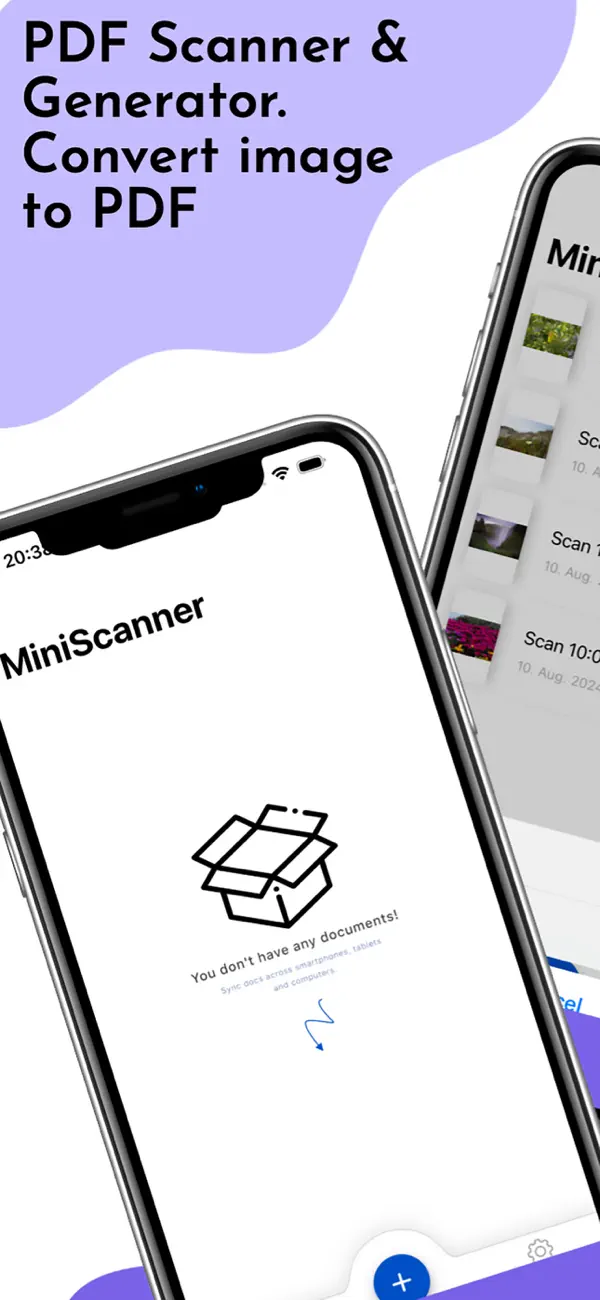
PDF Scanner at a glance
PDF Scanner turns your iPhone into a mobile document scanner. Capture receipts, contracts and notes, create clean PDFs and manage them clearly.
Features
Automatic edge detection
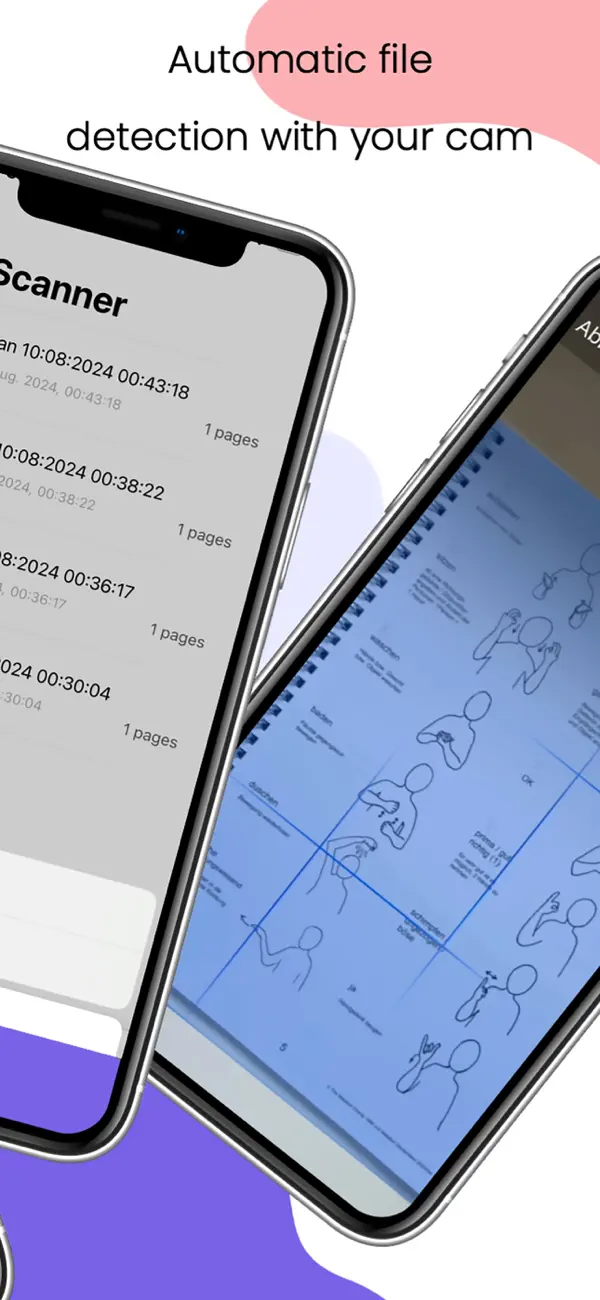
Documents are automatically detected and cropped.
PDF creation
Create high-quality multi-page PDFs.
Management
Organize, rename and share your scans.
Export & Share
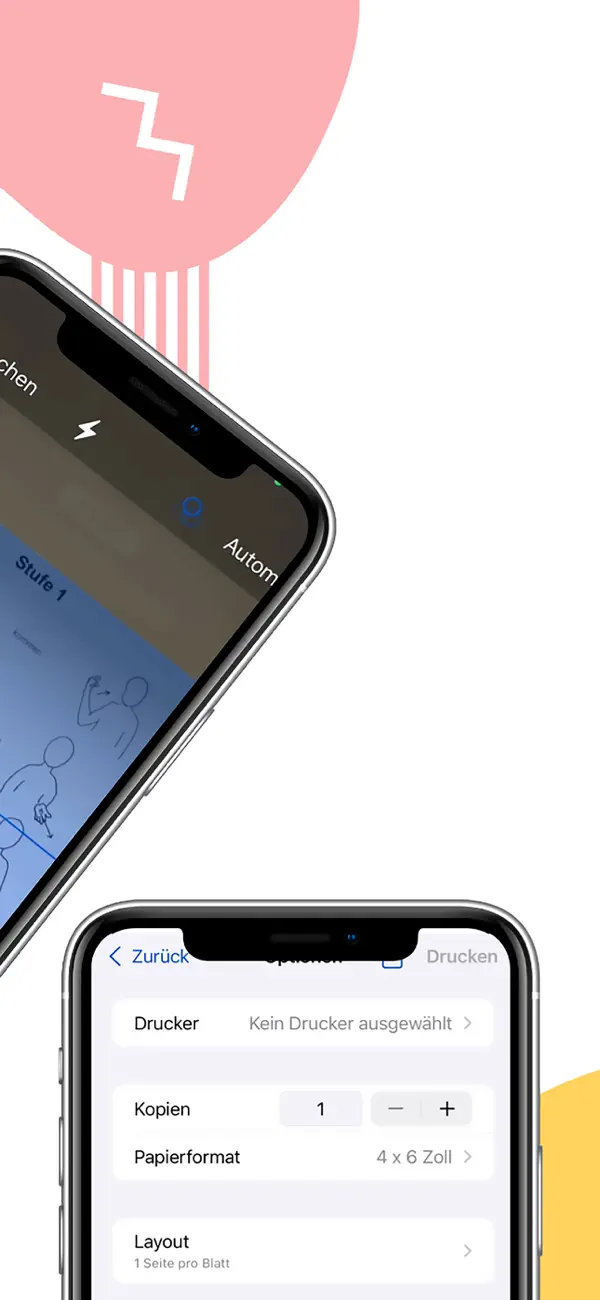
Export directly via email, messenger or to the cloud.
Who is PDF Scanner Generator Pro for?
PDF Scanner Generator Pro is made for anyone who regularly has to pass on paper documents digitally: freelancers managing receipts, students sharing handouts, parents dealing with sick notes and consent forms, property managers handling handover protocols.
How is PDF Scanner Generator Pro built?
PDF Scanner Generator Pro is a native iOS app. Edge detection uses Apple's built-in VisionKit framework — the same technology as Apple's Notes app, but with direct PDF output instead of plain image storage. Processing happens entirely on the device; documents are never uploaded to a cloud.
We are Code Expert, a software company based in Wiesbaden, Germany — the team behind this app. If you need a comparable application for your business, get in touch for an initial consultation.
Frequently asked questions
How good is the scan quality?
Thanks to automatic edge detection and image optimization, you get clean, sharp scans.
Can I create multi-page PDFs?
Yes, you can combine any number of pages into a single PDF.
Where can I export to?
Via email, messenger or to popular cloud services.
Related articles about PDF Scanner
Get PDF Scanner
Available for free on the Apple App Store – developed by Code Expert in Wiesbaden.