SSHConsole
Secure SSH terminal on the go – manage your servers directly from your iPhone and iPad.
Download on theApp Store
SSHConsole at a glance
SSHConsole brings a full-featured SSH terminal to your iOS device. Connect securely to your servers, run commands and manage your infrastructure from anywhere.
Features
Secure connection
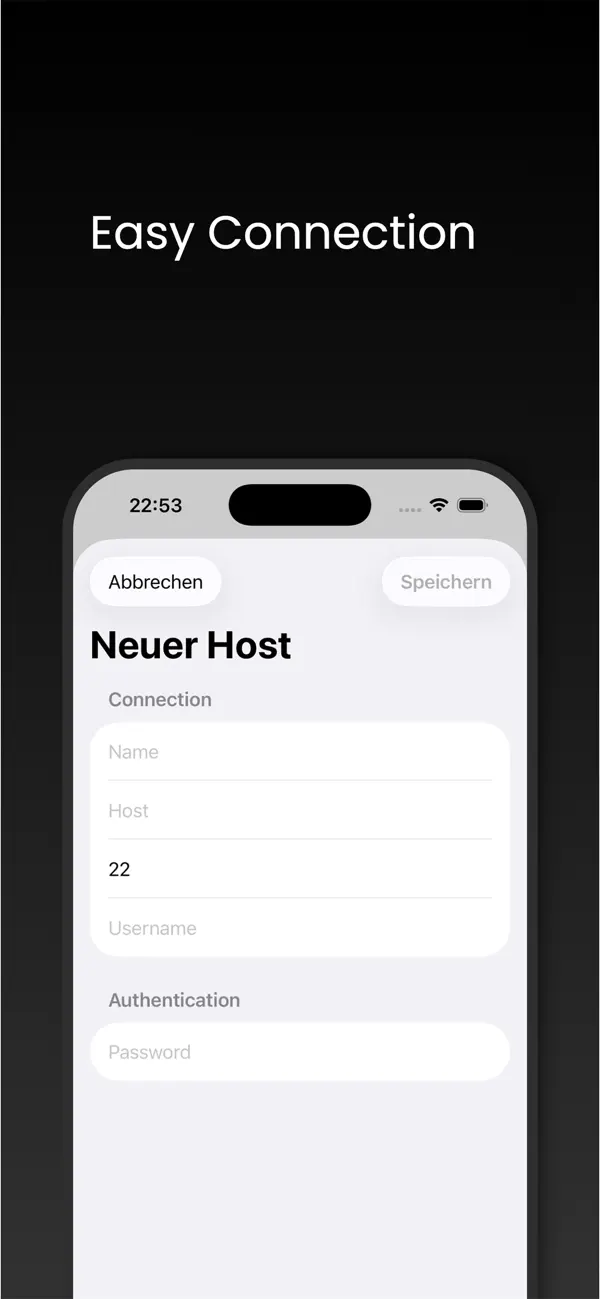
SSH with key and password authentication.
Full-featured terminal
Optimized keyboard with special keys for the shell.
Connection profiles
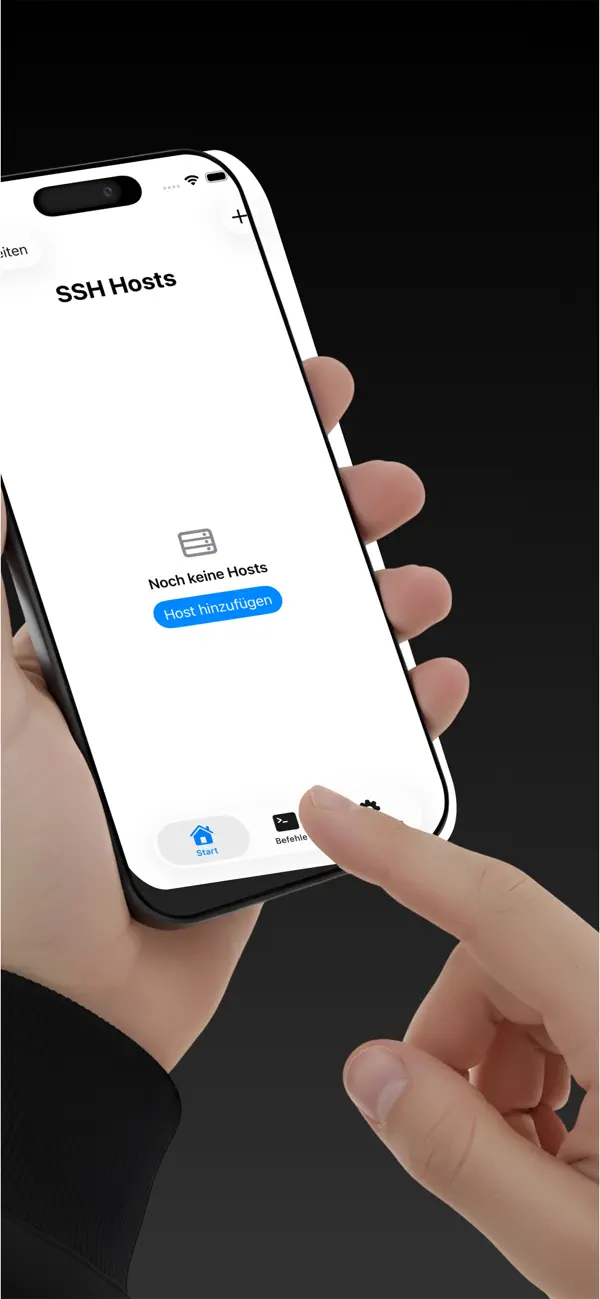
Save multiple servers for quick access.
iPhone & iPad
Optimized for working on the go.
Who is SSHConsole for?
SSHConsole is made for DevOps and backend developers running their own servers, for freelancers with their own infrastructure, and for small teams that do not want to pay for a cloud console for everything. It is not meant to replace a full desktop terminal — it is a dependable emergency access and short-session client.
How is SSHConsole built?
SSHConsole is a native iOS app written in Swift, with an SSH implementation based on established OpenSSH-compatible libraries. Nothing is stored server-side: no account, no sync, no cloud credential management. All credentials live in the iOS Keychain under your passcode or Face ID control. An ad-free in-app upgrade is optional.
We are Code Expert, a software company based in Wiesbaden, Germany — the team behind this app. If you need a comparable application for your business, get in touch for an initial consultation.
Frequently asked questions
Does the app support SSH keys?
Yes, both key and password authentication are supported.
Are my credentials stored securely?
Connection data is stored securely in the iOS Keychain.
Can I manage multiple servers?
Yes, create as many connection profiles as you like.
Related articles about SSHConsole
Get SSHConsole
Available for free on the Apple App Store – developed by Code Expert in Wiesbaden.