Countdown Widget
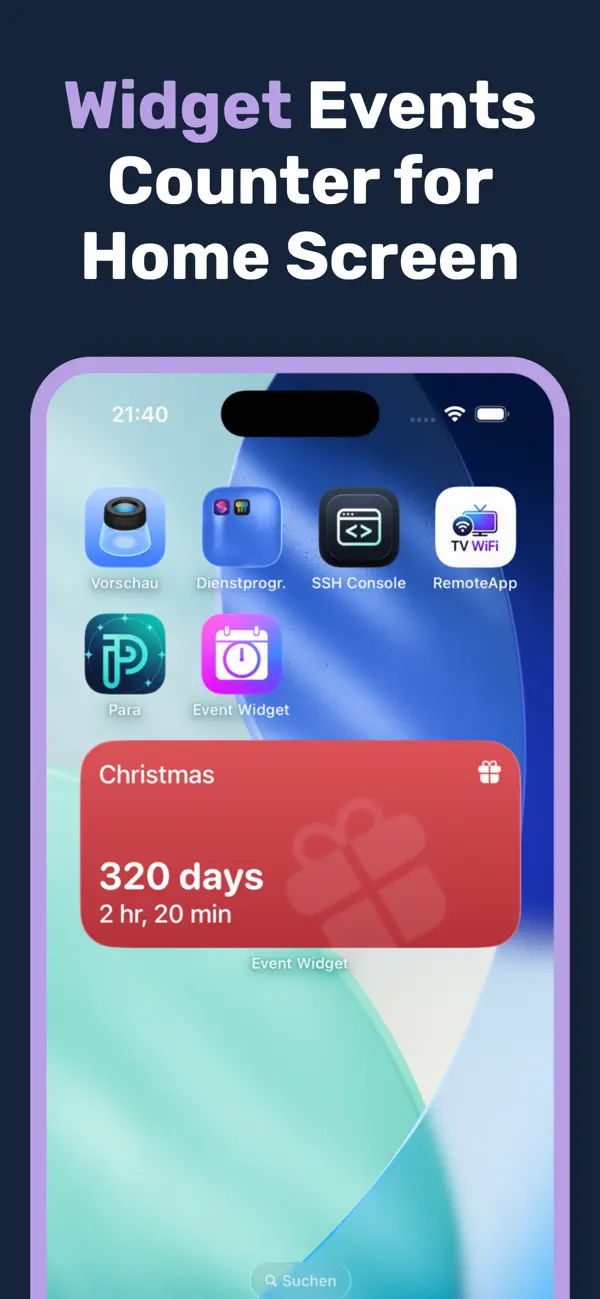
Keep important dates in view with countdowns on your Home Screen, Lock Screen and StandBy display. Available on the App Store.
Choose your version
iOS: available on the App Store as “Countdown Widget Pro”.
No publicly available Google Play listing was confirmed in our check on 9 November 2026.
Countdown Widget at a glance
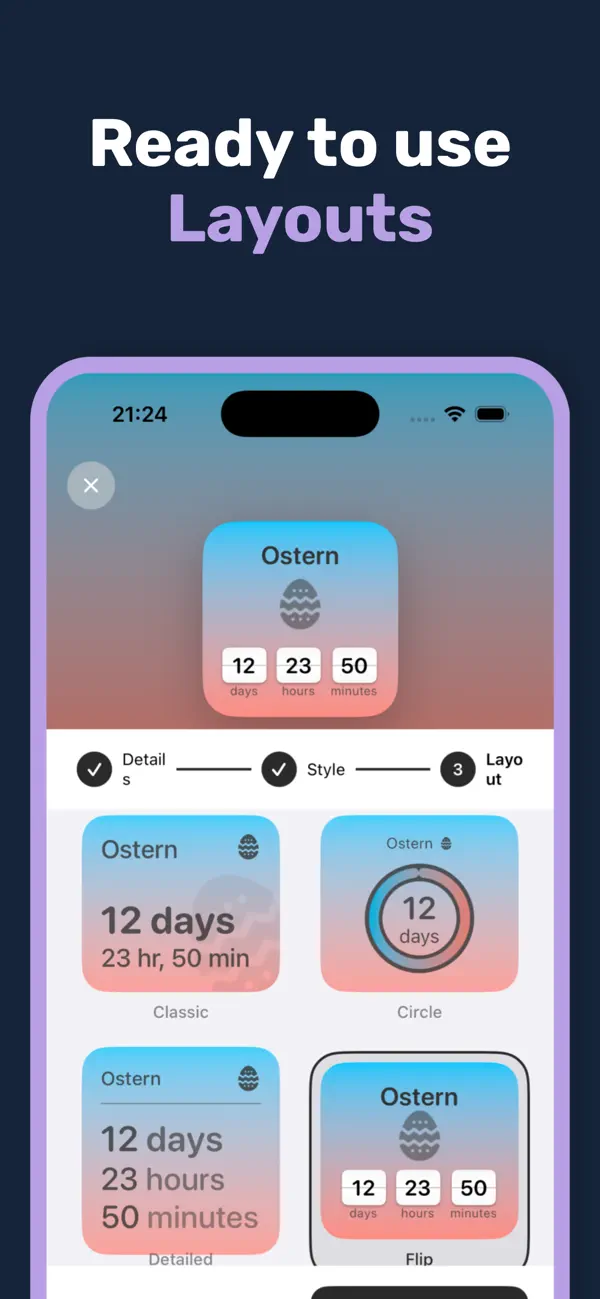
Countdown Widget creates elegant countdowns for all your important events. Fully customizable widgets in many designs, right on your home screen.
Features
Unlimited events
Create as many countdowns as you like for any occasion.
Beautiful designs
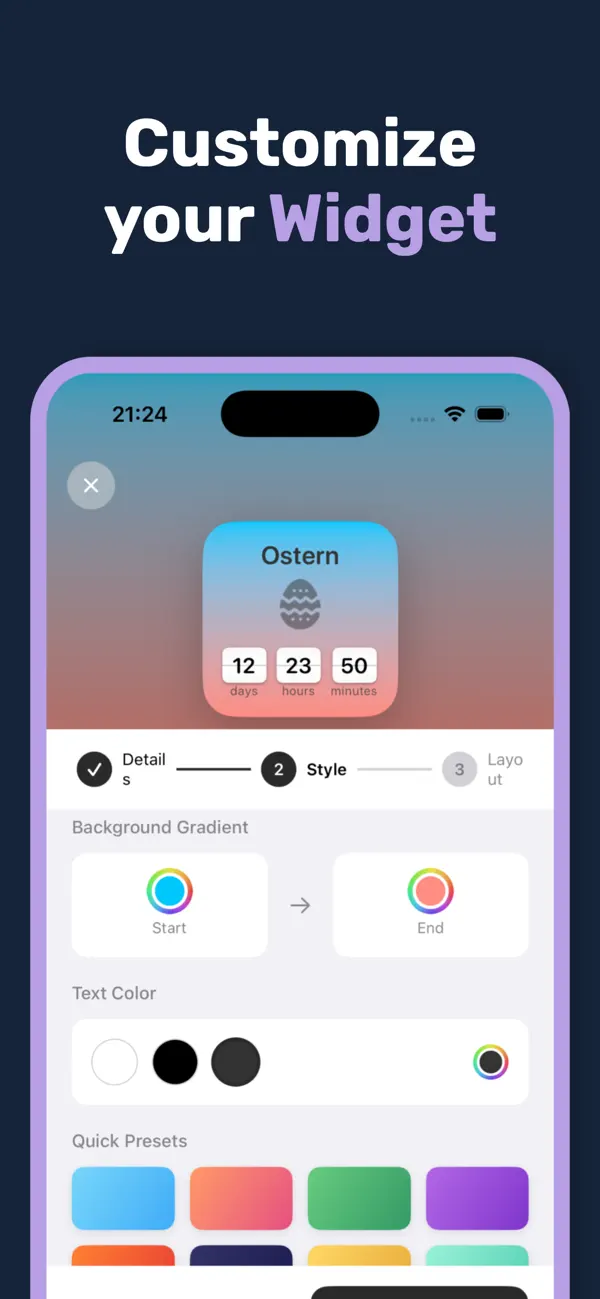
Customize colors, fonts and backgrounds however you like.
Home screen & lock screen
Widgets in all sizes for every screen.
Reminders
Get notified when an event is coming up.
Who is Countdown Widget Pro for?
Countdown Widget Pro is made for people who handle deadlines visually: couples planning a wedding, parents counting down to a trip, students in exam season, project teams tracking milestones. It also works as a small gift for a first anniversary, an engagement or a pregnancy.
How is Countdown Widget Pro built?
Countdown Widget Pro is a native iOS app built with Swift and SwiftUI. The widgets use WidgetKit and the newer AppIntent APIs for interactive elements. Photo backgrounds are processed locally — there is no cloud, no analytics tracker and no advertising. Everything stays on the device.
We are Code Expert, a software company based in Wiesbaden, Germany — the team behind this app. If you need a comparable application for your business, get in touch for an initial consultation.
Current store versions and requirements
Verified against the public German store listings. The download price does not include optional purchases or separately charged services.
| Item | Details |
|---|---|
| Platforms | iOS |
| App Store name | Countdown Widget Pro |
| Current iOS version | 1.0 |
| Minimum iOS version | iOS 17.0 |
| iOS update released | 15 February 2026 |
| Available on the App Store since | 15 February 2026 |
| iOS download price (German store) | Free · EUR |
| Checked | 9 November 2026 |
| Sources | Apple App Store |
Frequently asked questions
How many countdowns can I create?
As many as you like – for vacations, birthdays, deadlines and more.
Can I customize the design?
Yes, colors, fonts and backgrounds are fully customizable.
Are there lock screen widgets?
Yes, Countdown Widget supports both home screen and lock screen widgets.
Which platforms is the app available on?
Available on the App Store. Store names and links are listed above; no Android download is confirmed for this app.
What are the system requirements?
The current iOS version requires iOS 17.0 or later.
Related articles about Countdown Widget
Get Countdown Widget
Choose the Countdown Widget version for your device. Check the store for compatibility and any additional purchases.